
Interacting with LLMs: The Basics
Home
/
Education
/
SAEM Online Academic Resources (SOAR)
/
Artificial Intelligence (AI) Medical Education Resources
/
Interacting with LLMs: The Basics
Tutorial
Let's go through the basics of how you interact with an LLM. We'll use ChatGPT as our example, but you can repeat the same process with other models. We will assume you have registered for a paid account so we can explore more features.
- Navigate to https://chatgpt.com/ and log in.
- Enter in the prompt "Write me a limerick about medical education." and press enter.
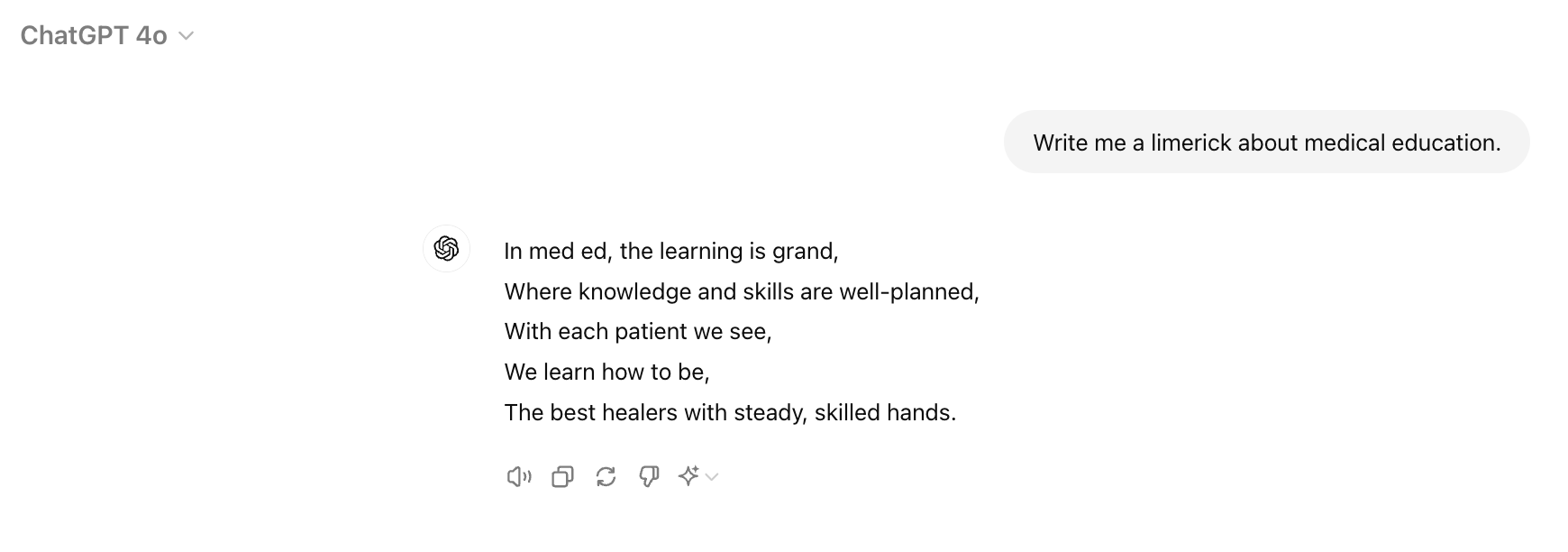
- We see that ChatGPT used the model GPT-4o. If we don't like the output, we can click this button to regenerate the response. We can click if we want to copy the output to paste it into a Word document or other location. We can also click to have the model read the output aloud to us. Try regenerating the output.
- Now we can select a different model, like GPT-4o mini and see how the output changes.
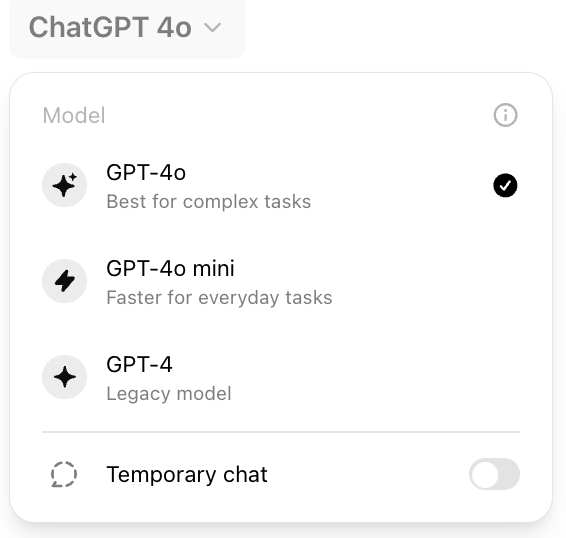
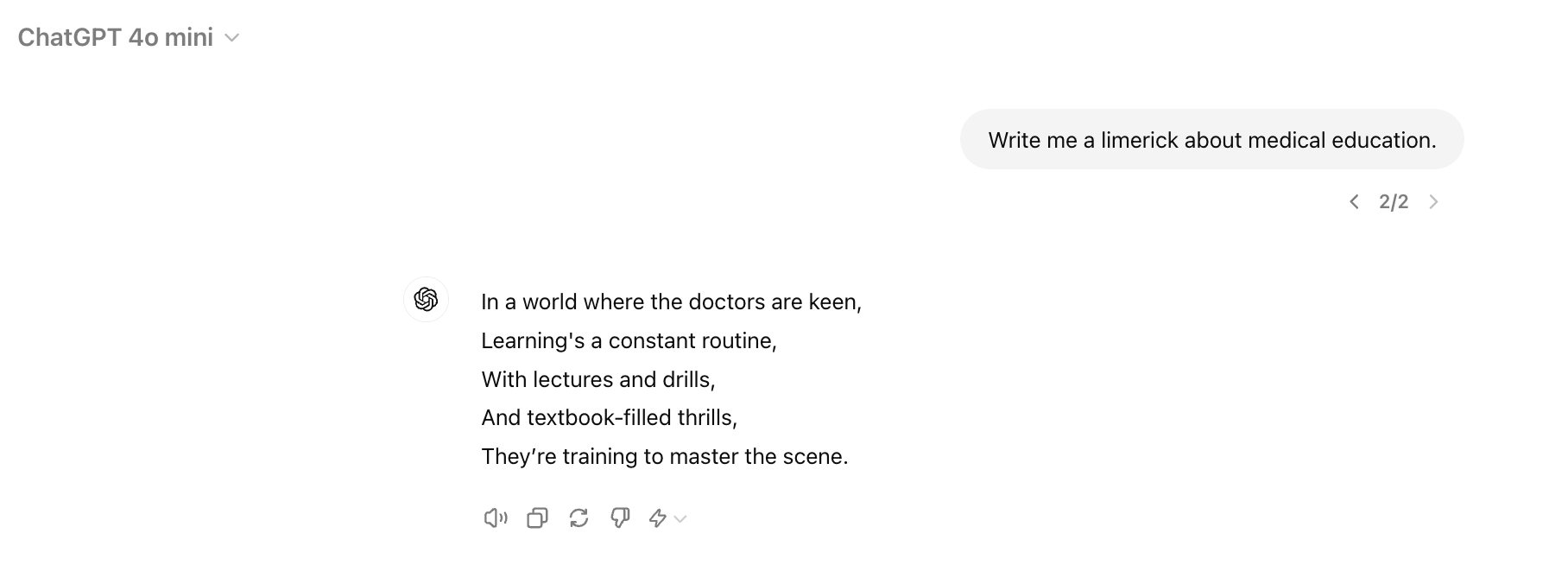

- If we click on this button < 2/2 > we can toggle between our two different responses.
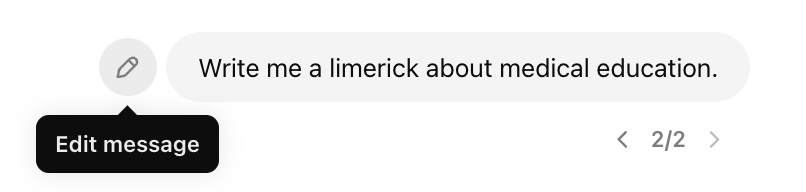
- If we want to change the input (which is called the prompt) we can hover over the input text and click this edit message button.
- If we change the prompt to "Write me a poem about medical education." we get a different output:
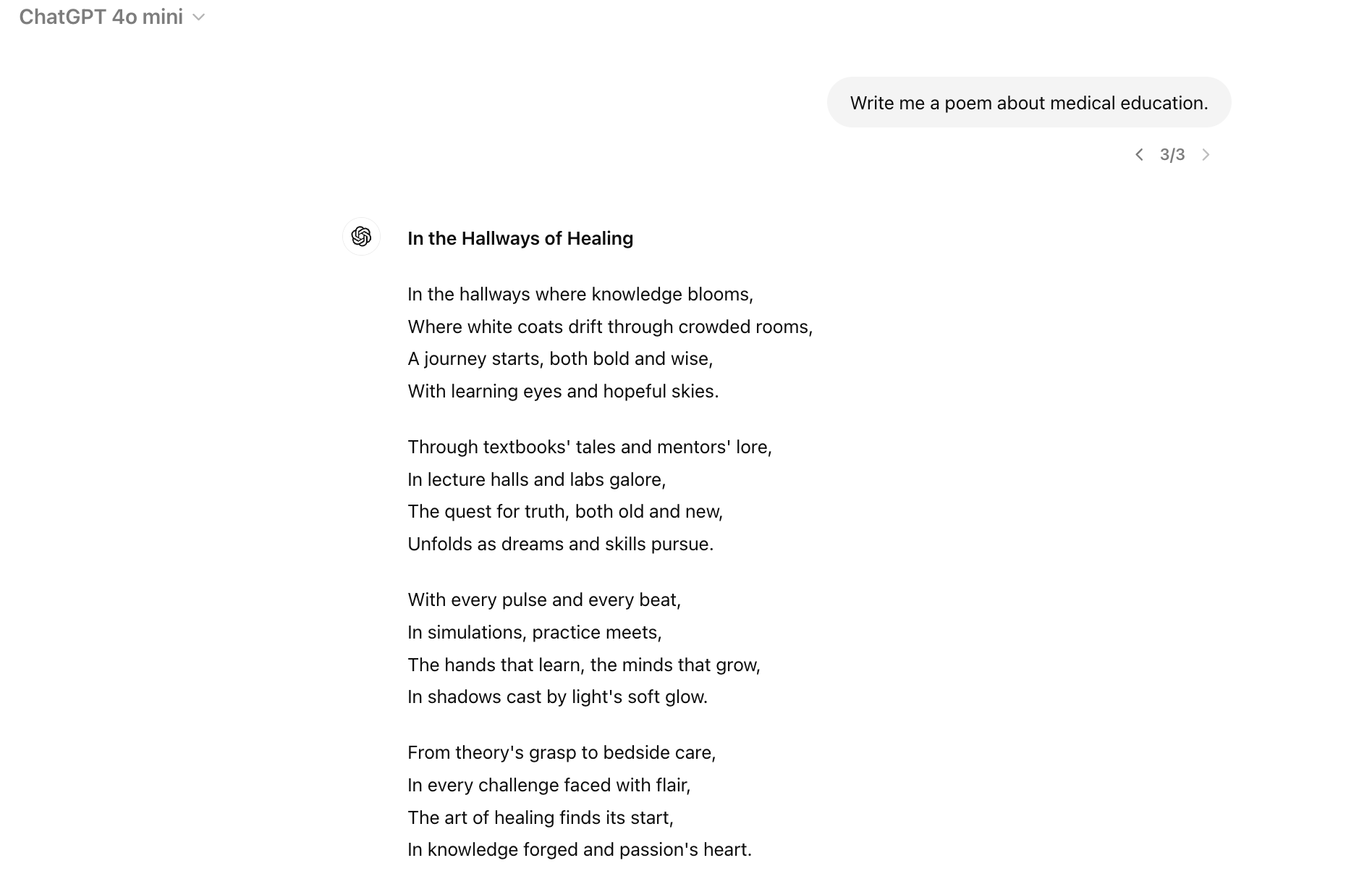
That's it. You've just done a basic interaction with an LLM. Feel free to experiment with different prompts or try different models like Claude or Gemini.